Turn image processing
into a recipe
Crop, resize, compress, convert formats, strip EXIF — combine the five steps into a saved workflow and run it on a whole batch of photos in one tap. Everything happens on your phone; not a single image ever leaves your device.
One pipeline, every photo
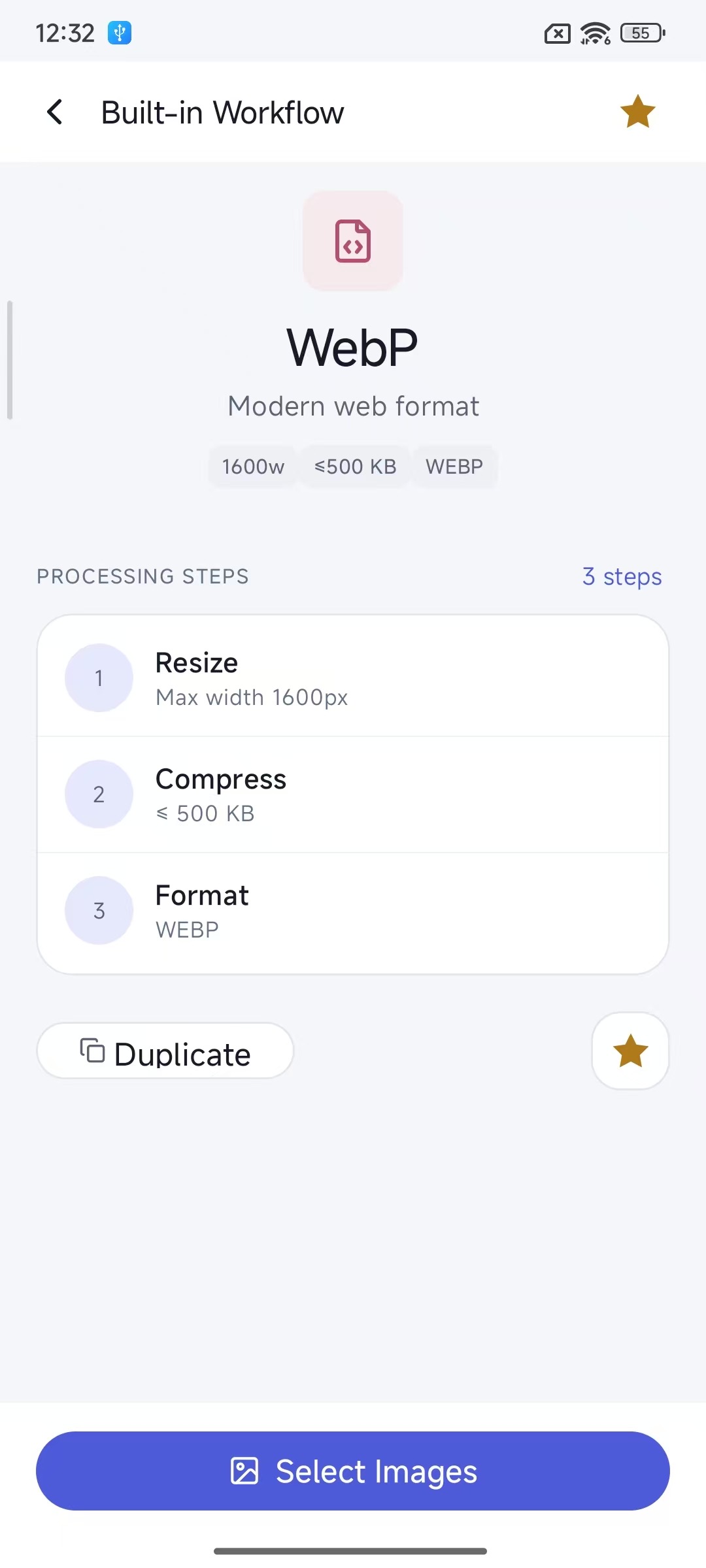
A workflow runs the five steps below in order. Each step has its own settings and can be added, removed or reordered — like writing a recipe for your images.
Crop
Centered crop by ratio
1:1 · 4:3 · 16:9 · 9:16 …
Resize
Max width / height / fixed
aspect ratio lock optional
Compress
Binary search toward a
target size, or quality tiers
Format
Convert between
JPG · PNG · WebP
Metadata
Strip GPS location, camera
model, capture time, EXIF
The details that batch work needs
Visual workflow editor
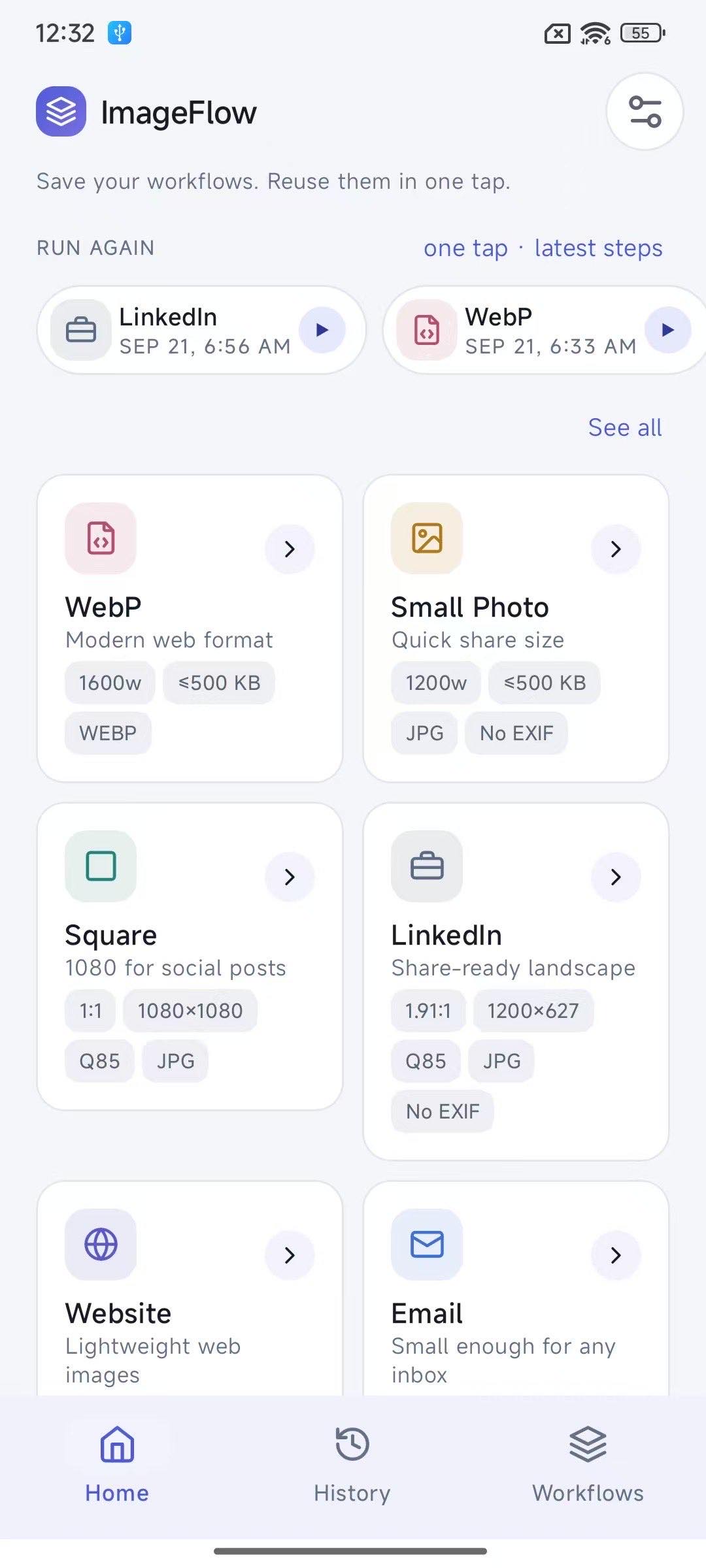
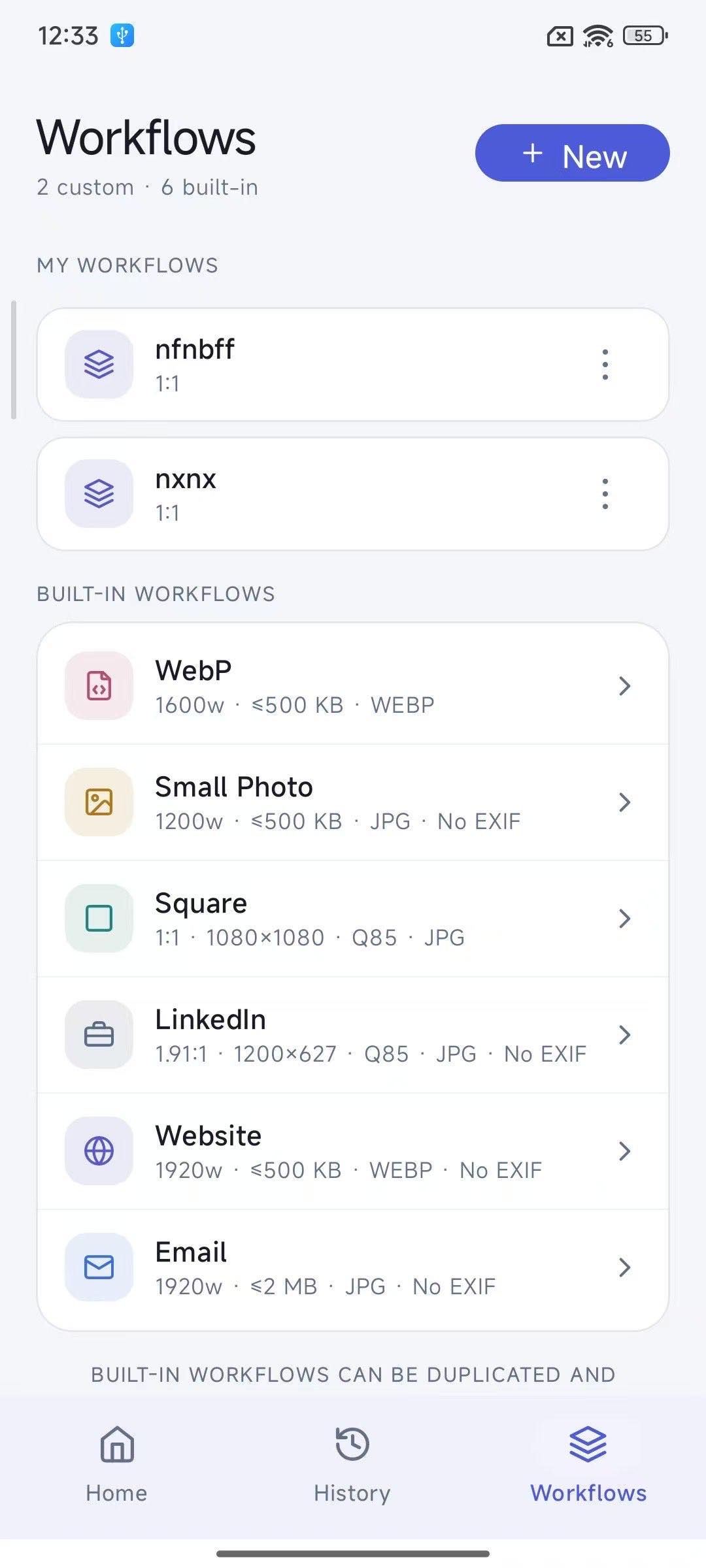
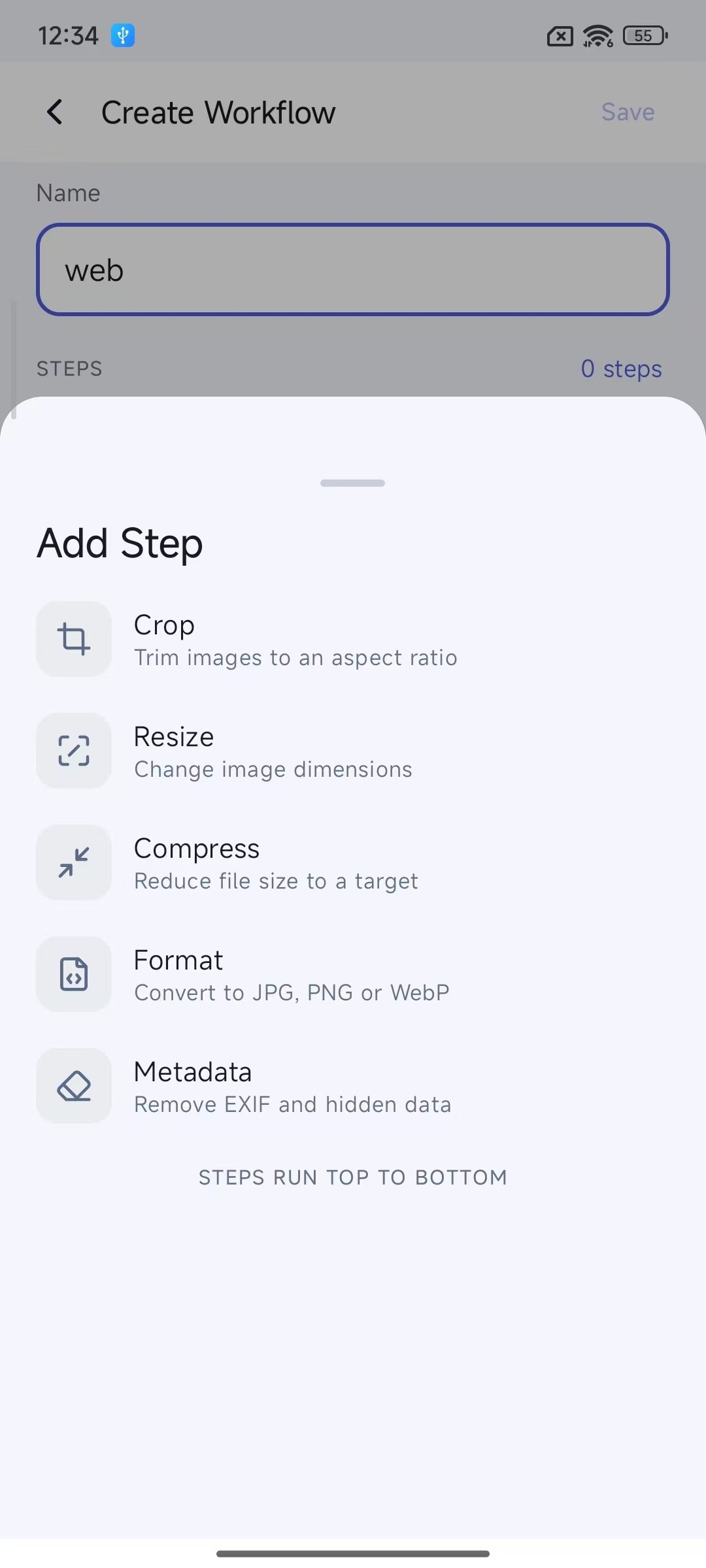
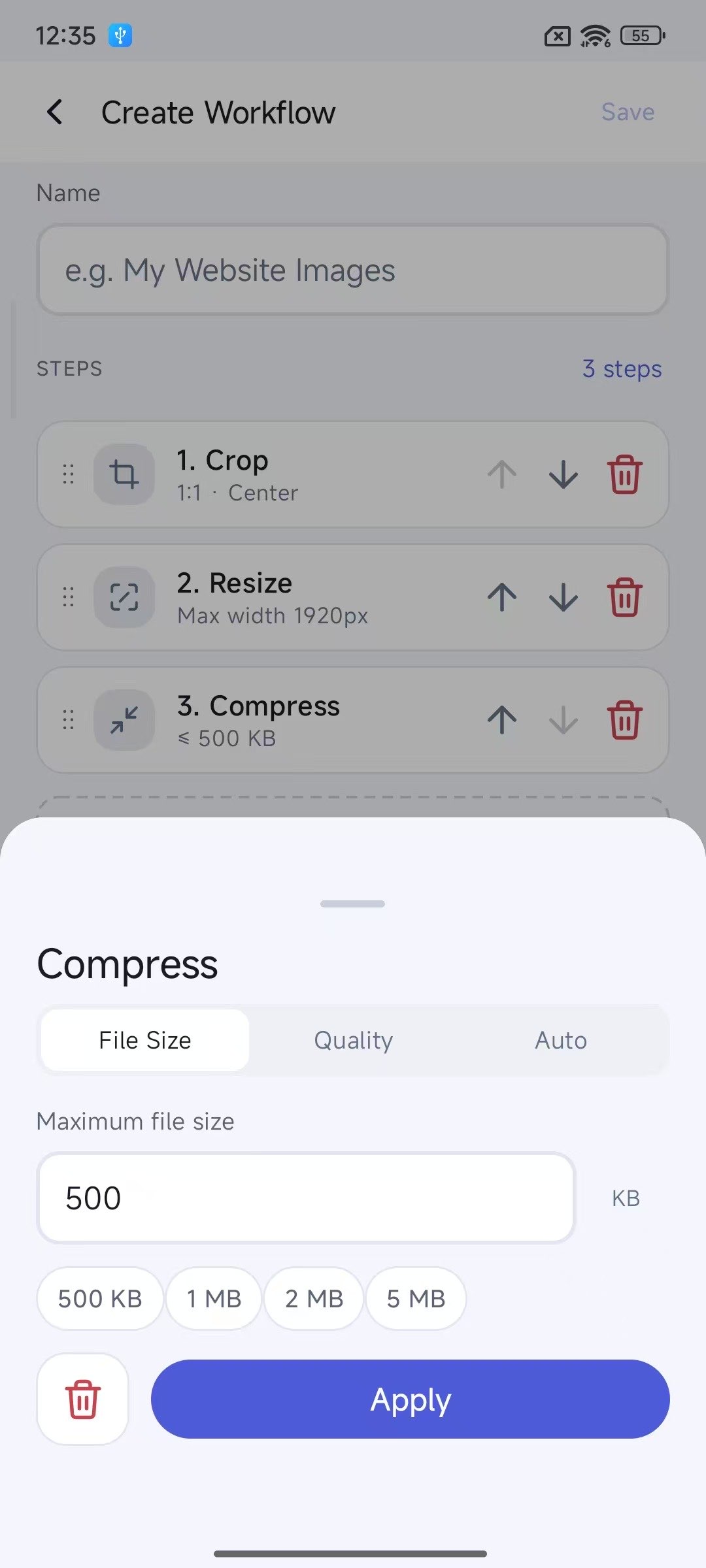
Reorder and delete step cards freely, configure each step on its own. Six ready-made recipes ship in the app — WebP, Small Photo, Square, LinkedIn, Website, Email — duplicate one and make it yours.
Preview before you run
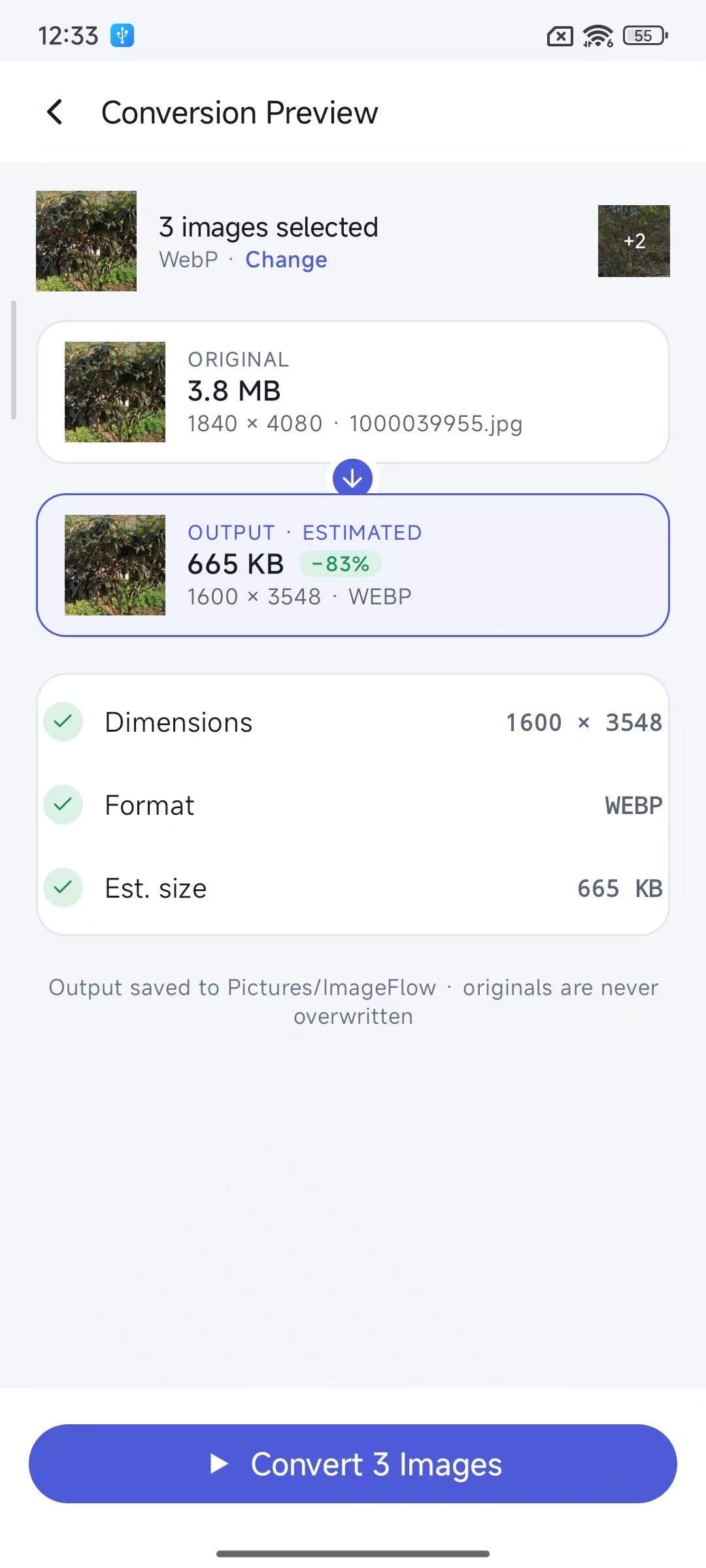
The conversion preview compares original and output side by side — dimensions, format, file size and estimated reduction — so you can fine-tune before processing the whole batch.
Hit your target size
Ask for 500 KB and get files under 500 KB: the engine binary-searches output quality per image, closing in on the target instead of flattening everything to one quality setting.
EXIF privacy removal
Wipe GPS location, camera model, capture time and software tags before sharing. Pixel content is untouched, and removal can be turned off per workflow.
Repeat from history
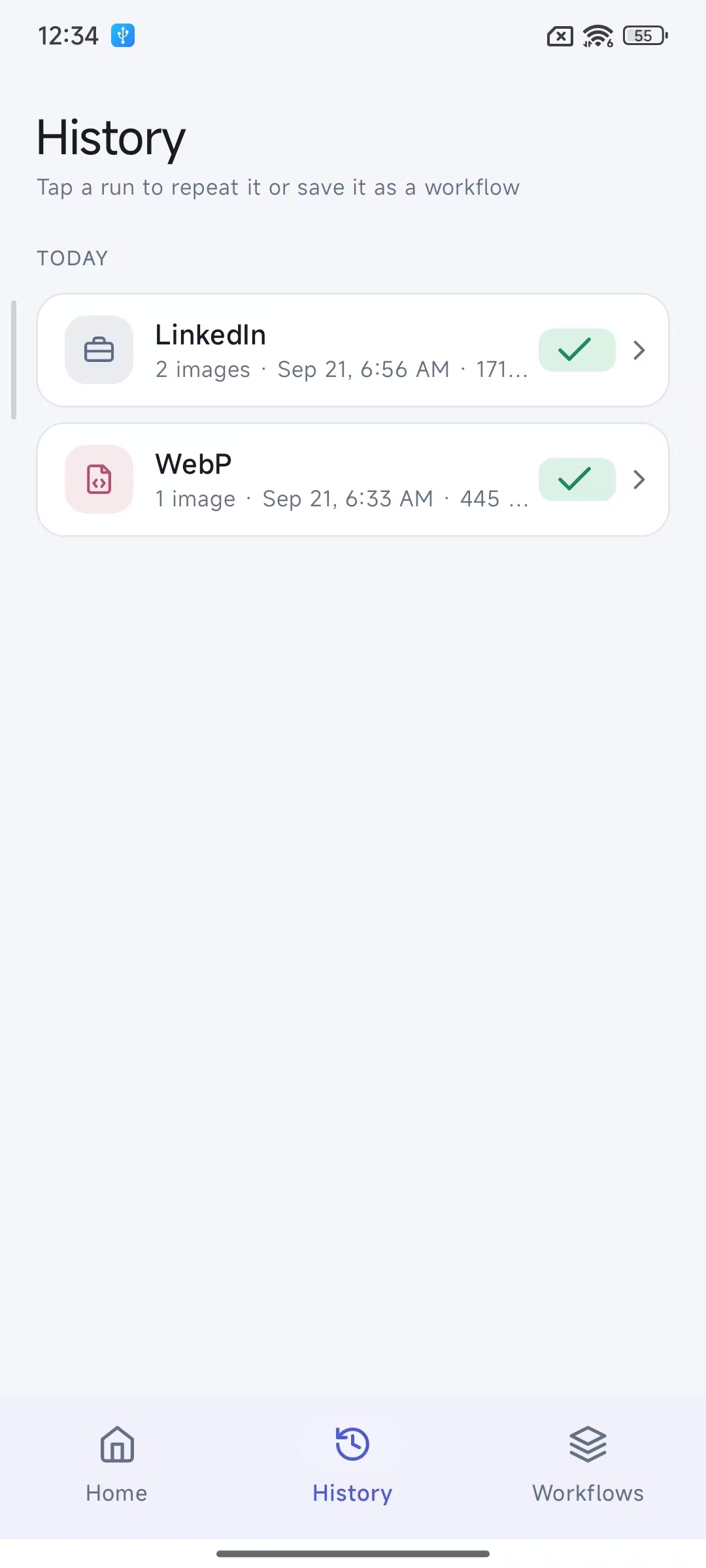
Every run is logged. Next time a similar job comes up, tap Repeat — or save a successful run straight into a new workflow.
Neat output, safe originals
Results go to Pictures/ImageFlow with numbered names matching the original extension. The whole process never modifies or deletes a single original photo.
Your photos never leave
your phone
Every step runs on your device's own CPU. The network is used for exactly two things — loading Google ads in the free version and verifying your Pro purchase — and neither can ever touch an image. No accounts, no analytics SDKs.
Read the full Privacy PolicySee it in action
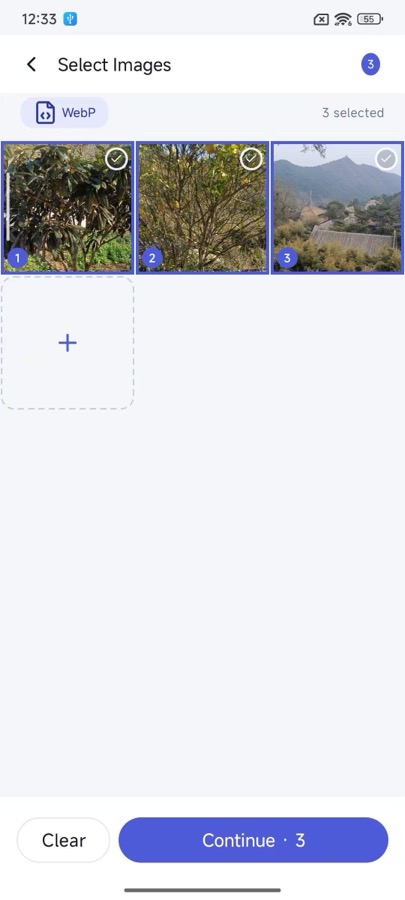
Material 3 design, with automatic light and dark themes.
Frequently asked questions
- Are my photos uploaded to any server?
- No. All processing runs on your phone's own CPU. The app does use the network — but only to fetch ads and confirm purchases; images, filenames and workflow data are never transmitted.
- Does the app show ads?
- The free version shows Google AdMob ads, and your photos are never part of ad targeting. A one-time Pro purchase removes ads entirely — see the Privacy Policy for the exact data Google's ad SDK can see and how to opt out of personalised ads.
- Will it modify or delete my originals?
- No. Output is always written to a new Pictures/ImageFlow folder; originals are read-only to the app.
- Why does it ask for photo access at all?
- Picking images day-to-day uses the system Photo Picker, which needs no permission. The media-read permission is requested lazily, and only when you tap Repeat in History — it re-loads the exact photos from that past run by their saved URIs. Declining it affects nothing else.
- Where are my workflows and history stored?
- Entirely in the app's local database on your phone. Nothing is uploaded or synced, and uninstalling removes it all.